WriterDaisy
Novelist
“Ranking my favorite characters and plot ideas has never been easier. The text-only interface keeps me focused without any image clutter.”
Make a tier list using text only — type items as words and drag and drop to rank them into tiers.
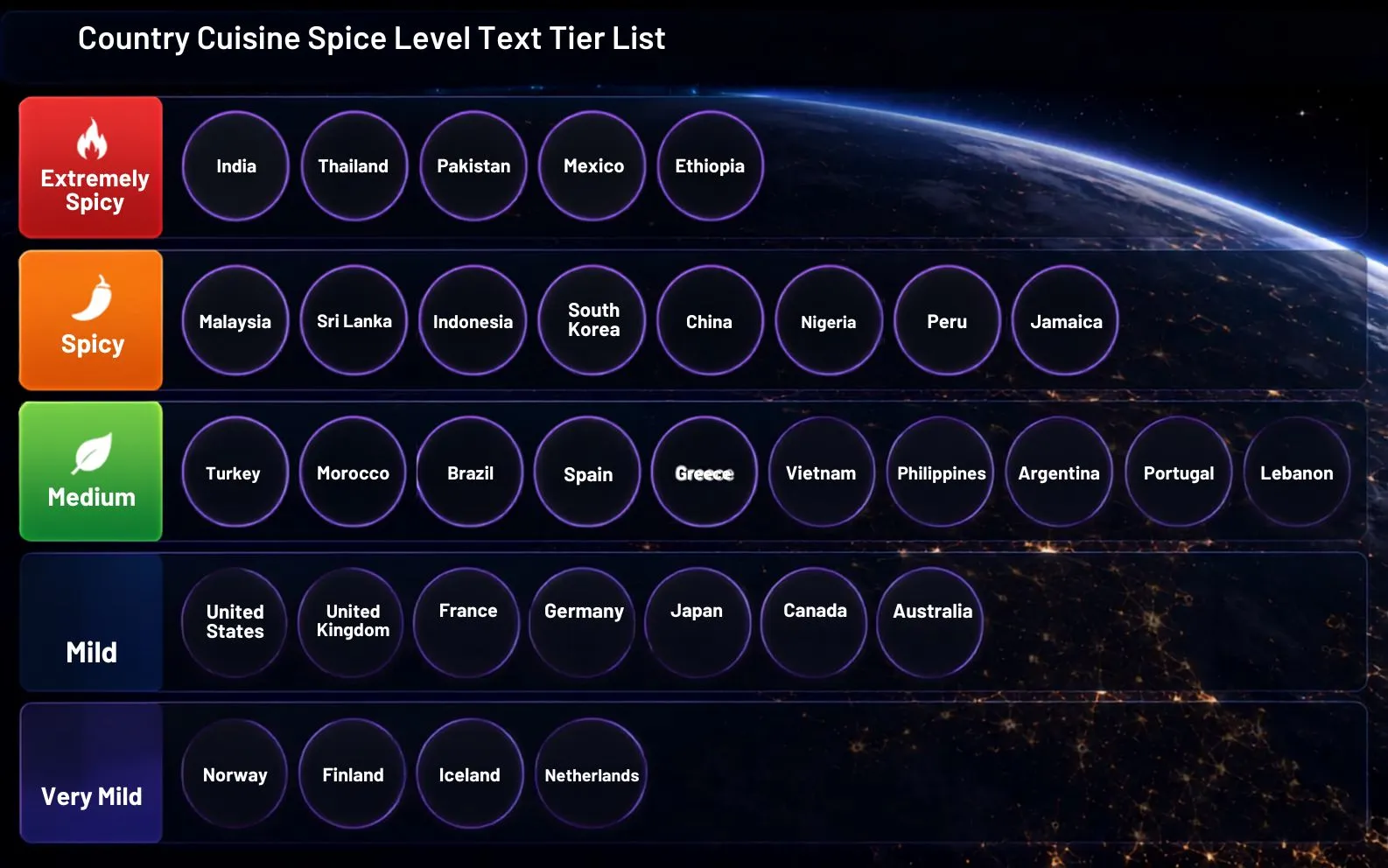
Add text items and drag to Tier List Area to start
Type text above and click + to add
Make a tier list using text only — no images required. With our text tier list maker, just type your items as words, then drag and drop them to rank them into tiers. It's the fastest way to build a text-based tier list for ideas, names, songs, or anything you'd rather rank with words instead of pictures. Free, no sign-up, and export-ready.
A text-only tier list maker — rank with words, no images needed. Perfect for book titles, brand names, songs, or ideas.
Type items as text and drag and drop them into tiers. Reorder within a row for precise placement.
Custom tier labels and colors for your text tier list — rename tiers, change row colors, and edit the board title.
Free, no ads, no watermark. Export your text-based tier list as an image to share anywhere.
Professional features in a simple tool — create text-based tier lists for ideas, names, songs, brands, and more.
Fast input with instant addition. Type text and click + to add items to your tier list.
Choose from square, landscape, wide, ultrawide, and round text-box formats to match your content style.
Smooth drag-and-drop interface — organize text items effortlessly between tiers or reorder within a row.
Organize your items with easy management tools. Add, delete, reset rows, and arrange entries efficiently.
Full control over titles, colors, themes, backgrounds, logos, and watermarks — polished, professional results.
Download your creations as high-quality PNG images with no watermarks. Free, no login, ready to share.
Join thousands of writers, teachers, and creators who rank ideas with our free text tier list maker.
“Ranking my favorite characters and plot ideas has never been easier. The text-only interface keeps me focused without any image clutter.”
“I use this in class to rank historical events with students. Quick to type, easy to drag, and the PNG export is perfect for handouts.”
“Perfect for ranking podcast episodes and guest topics. The custom tier labels let me build show-specific lists in seconds.”
“Best free text tier list tool for ranking programming languages and frameworks in my team's tech talks. Clean UI, no fluff.”
“I rank cities and destinations for my newsletter using this. Super lightweight and the multiple format options match my brand colors.”
“Quick text entry plus drag-and-drop reordering makes ranking my year-end movie list a breeze. No watermark on export is a huge plus.”
Quick answers about creating, customizing, and sharing text-only tier lists.
Type each item as text, then drag and drop the words into your chosen tiers. No images required.
Yes — this is a text tier list maker built specifically for ranking with text and words only.
Yes, it's completely free with no sign-up and no watermark.
Yes — use this page for a text-only tier list, or switch to the image tier list maker to add pictures.
Yes — export your finished list as a high-resolution PNG to share on social media or in slides.
Start building your custom tier ranking in seconds. No sign-up, no watermarks — just a fast, free tier list maker that works in your browser.
See how this free tier list maker stacks up against the alternatives — no ads, no forced login, no watermark, 100% private.